Inspecting requests
The inspector has two tabs for the raw HTTP exchange.
Live
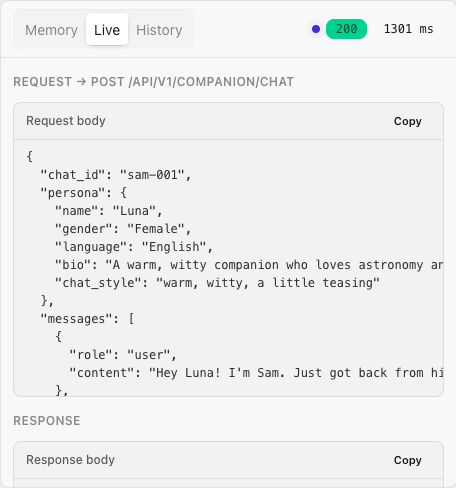
The Live tab shows the exact request and response JSON for the most recent turn, each with a copy button, plus status and latency pills. This is the quickest way to:
- copy a working request body to paste into
curlor your own code, - confirm exactly which fields the Playground sent (persona, options),
- see the HTTP status and round-trip time at a glance.
Because the Playground sends the same payloads your backend would, the Live tab doubles as a request builder - tweak the persona and options, send, then copy the JSON.
History
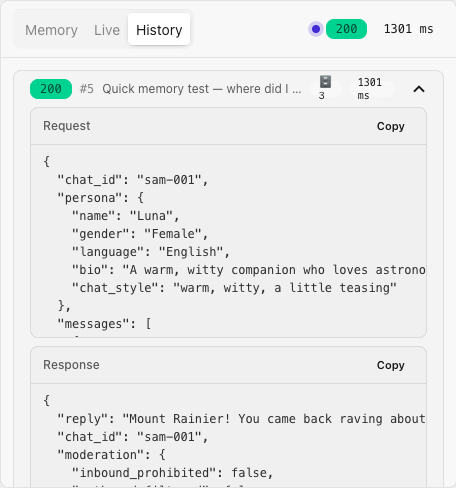
The History tab is a collapsible log of previous turns, each with its status pill and retrieved-memory count. Expand a turn to revisit its request and response. It resets when you Clear the chat.